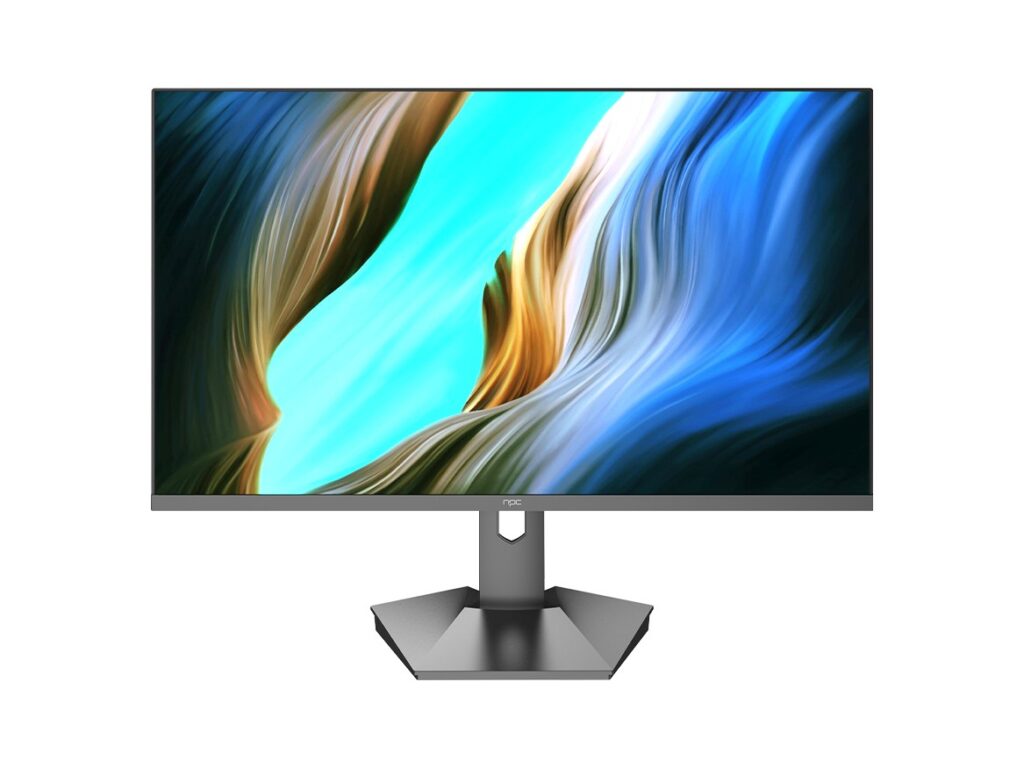
The problem: one-size-fits-all displays fail on site
Retailers, transit operators and factory supervisors all tell the same story: consumer-grade sets break down fast under commercial cycles, and integration headaches eat your schedule, lah. When you need bulk screens that actually survive 24/7 operation and remote management, you look for a trustworthy tv manufacturer that understands mounting standards, ambient heat, and long-term firmware support.
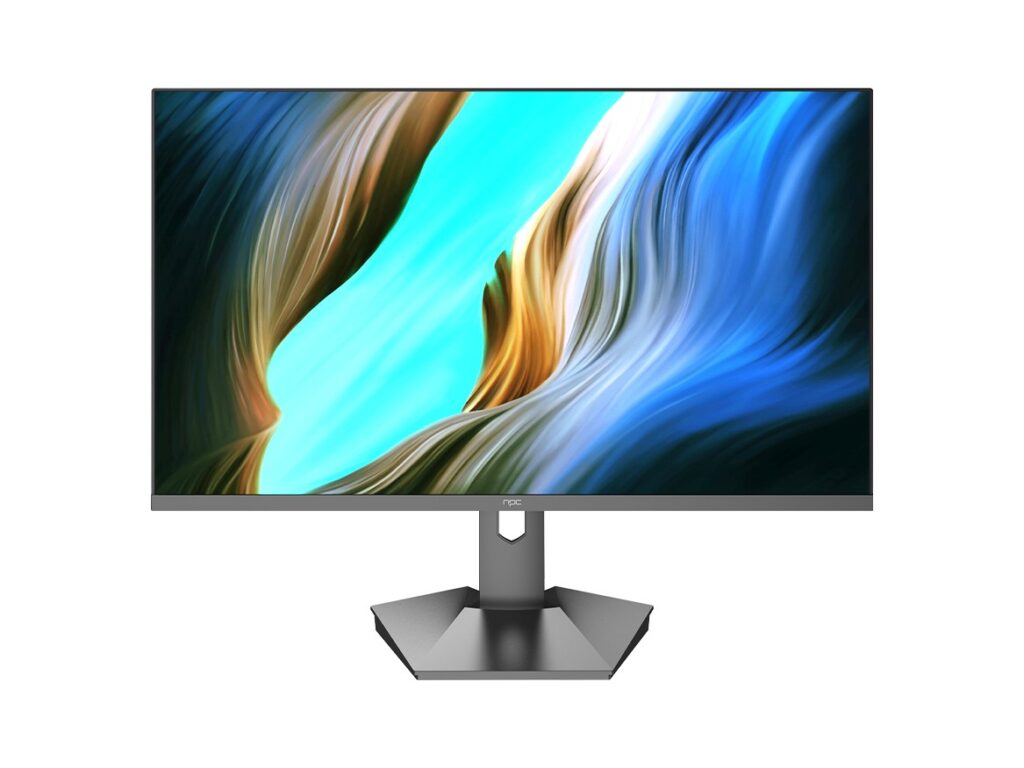
Specs that cut through marketing noise
Pick the screen by use, not by bezel. For indoor signage choose >700 nits and anti-glare; for outdoor displays insist on >2,500 nits and IP-rated housings. Ask for industrial-grade LED drivers and a minimum 50,000-hour panel life. Verify the OS can run kiosk mode, supports secure OTA updates, and exposes remote management APIs. Confirm the power supply is redundant for critical sites. These are precise checks you can measure on the first site test.
Common procurement mistakes
Buyers overlook three costly errors: assuming consumer warranty covers commercial use, ignoring thermal testing under full brightness, and locking into an unsupported content management stack. Don’t accept “enterprise features” as marketing language. Demand a tested mounting plan, spare-parts availability, and a clear RMA path. Skip vendors who dodge load testing or won’t show MTBF data.
Practical expertise and an industry anchor
Working on multi-site rollouts across Hong Kong shopping centres taught me how bright windows, hidden vents, and daily power cycles stress displays differently. I’ve run power-cycling and firmware-stress tests that catch 90% of field failures before installation. Industry shows like CES routinely highlight platform maturity—Samsung’s demonstrations of Tizen-based displays at CES underline why platform choice matters—so check behaviour on real deployments with tizen os smart tv before you commit.
Alternatives worth evaluating
Android builds offer huge app ecosystems but can be noisy and fragmented; webOS is simple but sometimes locked to vendor services; Tizen tends to be stable and well-suited for appliance-style signage. Match the OS to your operations: if your team needs remote scripting and fine-grained security controls, choose the platform that offers documented APIs and a reliable update cadence.
Install and maintenance realities
Plan for three items from day one: spare kits (power boards, panels), a staged rollout with smoke tests at 10% of sites, and a firmware rollback plan. Train an on-site engineer to replace modular parts in under 30 minutes. Schedule quarterly security checks and log aggregation so you find failing units before customers notice.
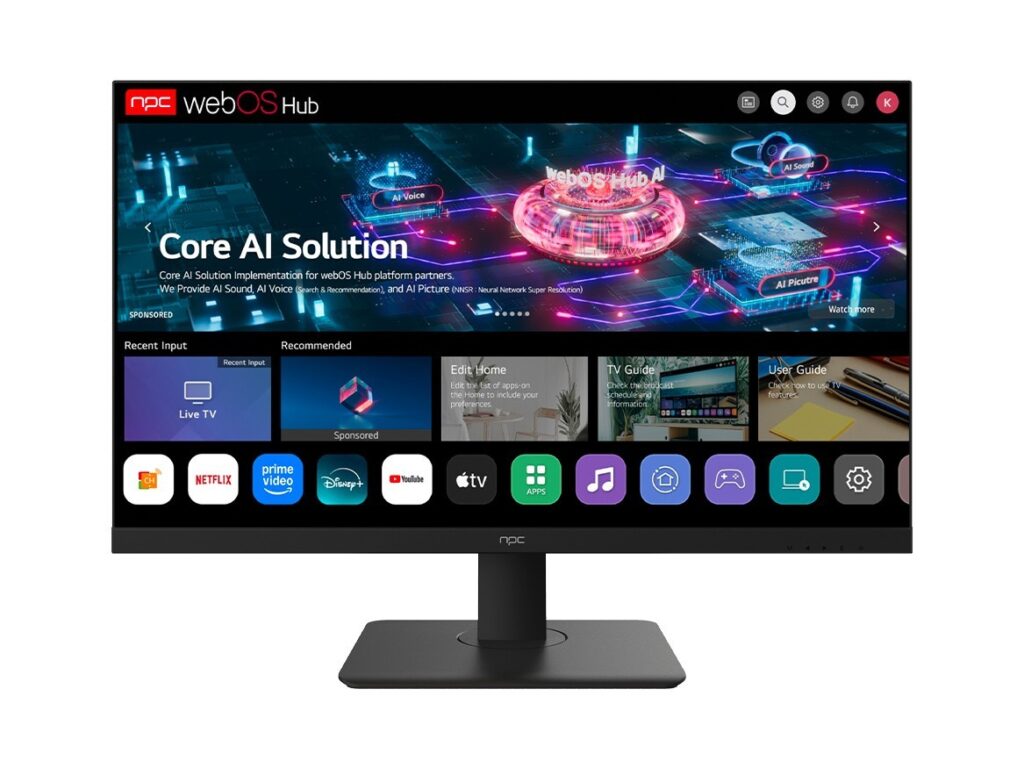
Where the value lands
Good wholesale TV procurement is measurable: specify testable brightness, confirmed firmware lifecycle, and documented remote management. When those items line up, installations run smoother and service costs drop. For suppliers that consistently deliver those outcomes, consider partners who stand behind long-term parts and support—like npc—because the practical fit matters more than any slogan.