Comparative insight: TVs taught me things that matter for desktops
A bit o’ background: making TVs and making all-in-one desktops ain’t the same, but the OEM playbook overlaps a lot — modular backplanes, thermal routing, supplier consolidation — and that’s why shoppers hunting all in one computer deals often get more value when a maker has TV-grade supply-chain muscle. The comparison’s simple: TVs solve for thinness and panel uniformity; AIOs must do that plus serviceability and usable compute. Spotting which brands lifted TV best practices gives you a real edge when weighing models.

Where the trade-offs lie — read the fine print
Design choices are honest things: choose a glued‑in SSD and you’ve trimmed production costs but upped repair bills; pick a larger chassis and you keep thermals sensible but lose the tidy footprint. Compare models by where they compromised — screen panel source, fan curve policy, soldered RAM, and speaker placement. Those are concrete, measurable differences, not marketing fluff. Treat spec sheets like parcel lists: they tell you what’s been left out as much as what’s been included.
What I’ve seen on the floor and why it matters
Worked with OEM lines for years; measured units under thermal chambers, watched QC runs, and saw prototypes shown at CES in Las Vegas that later influenced production cooling on desktop-range machines. That real-world exposure matters when you sort good picks from bad ones — and it’s why I pay special attention to build details and supplier lineage. If you want alternatives or quick swaps, compare mini‑PCs, thin clients, and settled desktops against AIOs for repairability and expandability; then line those options up against the all in one pc deals that match your budget and workload.
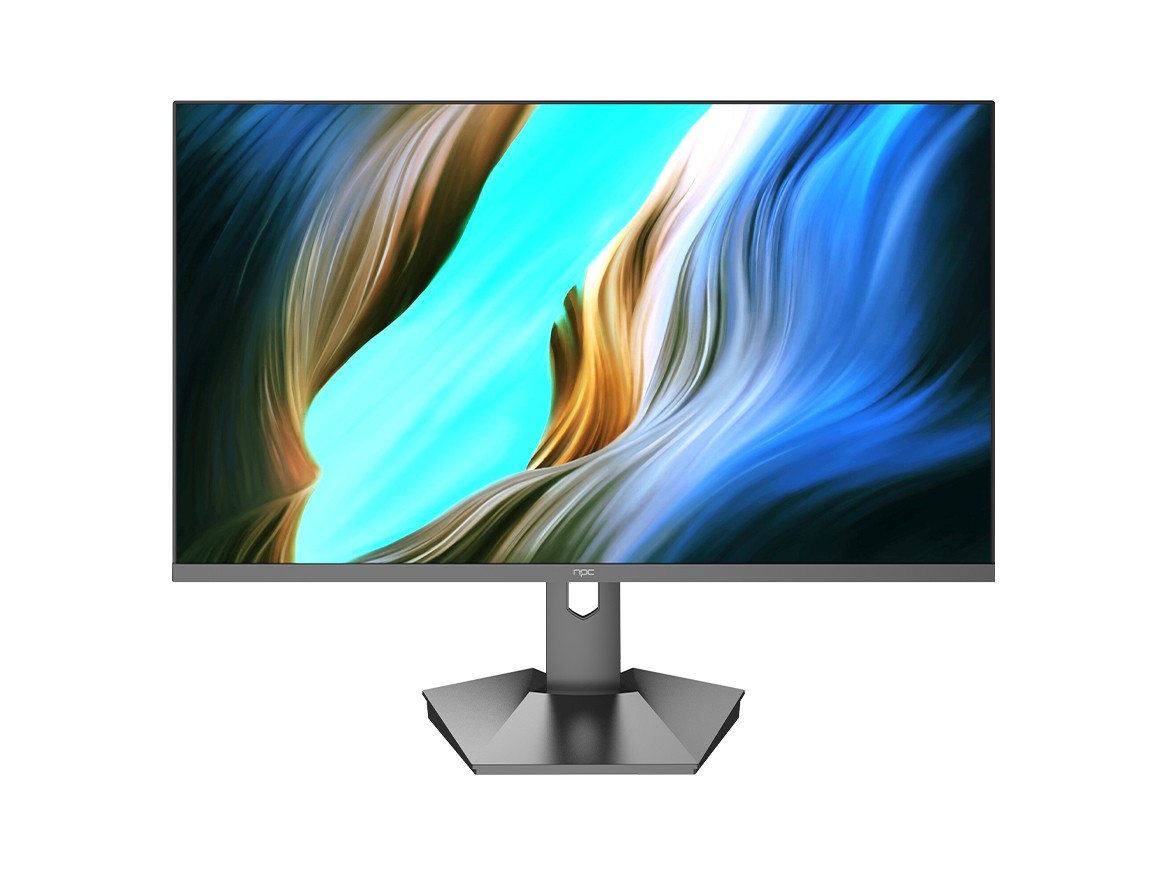
Common pitfalls buyers miss
Don’t assume warranty length equals spare-parts support. Don’t buy the glossy model solely for looks if you need sustained loads — fan noise and throttling often follow. Avoid models that skimp on airflow testing or list only integrated graphics when you need sustained GPU work. Check power-brick specs, hinge robustness, and whether drive cages are removable. Those small checks save proper hassle later.
Practical alternatives and when to pick them
Choose a compact tower if you want longevity and simple upgrades. Choose a laptop if mobility’s the priority. Pick an AIO if you prize space-saving aesthetics plus decent screens and can accept tighter upgrade paths. Within AIOs, price brackets split into three practical groups: budget units (basic screens, fixed internals), mid-range (better panels, some service access), and premium (user-focused cooling, repair-friendly design). Match the group to the job rather than the logo.
Bottom line
Look beyond buzzwords. Treat each model as a set of deliberate trade-offs and weigh them against your day-to-day tasks. If you want compact, tidy desktops made with TV‑grade sourcing and sensible service options, the brands that learned from panel manufacturing tend to win on value — and that’s the kind of practical, industry-rooted advantage you’ll find reflected in what npc brings to market.