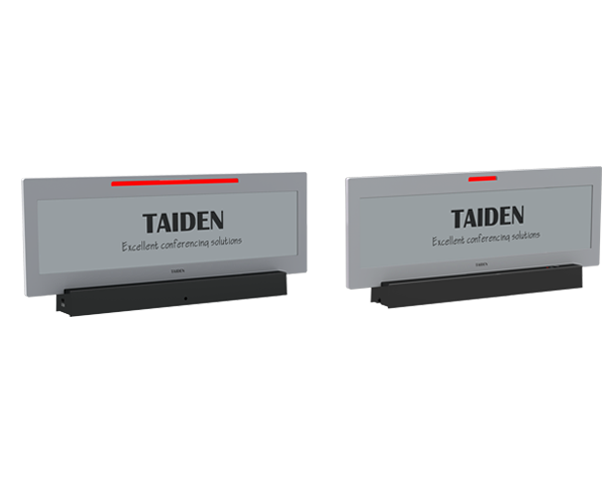
Introduction: The Meeting Room Got Smarter Overnight
Here’s the truth: room signage went from “nice-to-have” to “mission-critical” in a year. The digital name plate is now the handshake before anyone speaks. Picture a hybrid summit with six parallel tracks, two languages, and rotating panels—then imagine the scramble when schedules shift mid-session. Data says large events see 20–30% agenda changes in real time, and mislabeling wastes minutes per swap (and nerves). So, how do you keep cues clear, accurate, and calm under pressure—funny how that works, right?
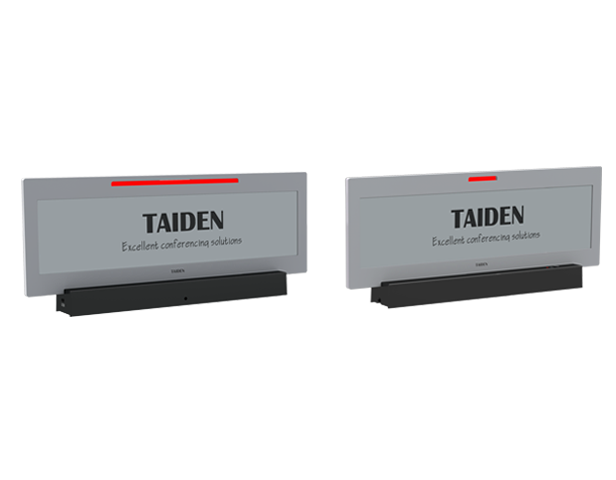
We’re going to break down the moving parts—people, devices, and updates—and see what actually smooths the path. Think simple workflows plus reliable hardware, not overbuilt dashboards. The question is: which approach scales without burning batteries or staff time? Let’s compare paths and set a baseline before we drill deeper.
Paper to Pixel: What Changes When You Compare Old Labels to Smart Plates
Paper tents seem easy until the third name change and a last‑minute speaker walks in. LCD panels look slick but fight glare, consume more power, and need cabling or frequent charging. Smart plates sit in the middle: wireless, low power, and legible across a room. That’s where the shift happens. A modern plate can sync via BLE beacons, talk to edge computing nodes, and cache updates so it still shows the right data even if Wi‑Fi hiccups. It should also play nice with the venue’s schedule feed and not demand a full-time babysitter.
The catch? Many systems hide complexity. You get a shiny screen but a messy backend—too many apps, fragile pairing, or radio chatter that breaks in RF-heavy halls. Battery life drops if the firmware stack isn’t tuned. A poor battery management system means more swaps and downtime. And if the update path isn’t robust, a single label can lag while others refresh—go figure. So the baseline comparison isn’t only about display quality. It’s about stable updates, power thrift, and less touch time for staff.
Hidden Friction: Where Color E Ink Solves the Real Pain
Why do meetings still stall?
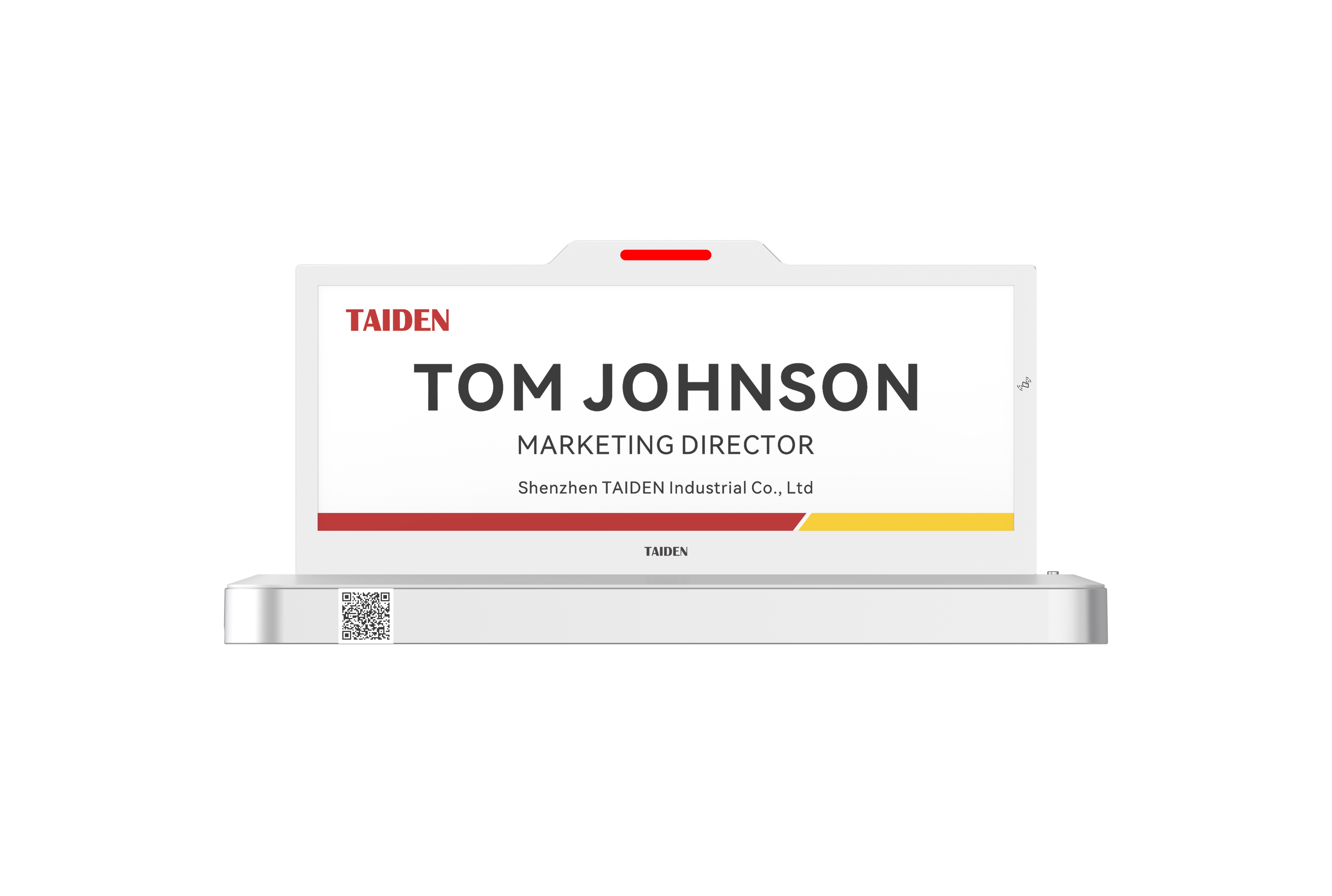
Color is not a gimmick when it fixes workflow. A color e ink display can mark language tracks, roles, and session types with simple color bands that people spot from 10 meters. That alone cuts mis-seating. But the deeper win is how the system runs. Reflective displays don’t fight room lights, and the panel only draws power when you update it. With the right MCU firmware and power converters, a plate can last months, not days. OTA updates push new data quietly. Look, it’s simpler than you think—until you compare it to cables taped under tables.
Hidden pain shows up in rushed moments: a panelist changes, the agenda shifts, or a room swap happens. If staff must re-pair devices or rely on flaky scans, the flow breaks. Better stacks use NFC provisioning for quick handoffs, then fall back to local caches when the network is busy. That means no blank screens, no reboots, and less radio noise in crowded halls. Add a small watchdog in the firmware to recover from glitches, and the plate just works when humans are stressed. That’s the layer you feel, not the spec sheet: fewer taps, faster clarity, and less battery panic.
Comparative Outlook: Principles That Make Conference Plates Future-Ready
What’s Next
Let’s zoom out and compare on principles, not hype. The best systems treat the plate as a quiet endpoint with smart rules baked in. Updates batch at sensible intervals, the UI is readable under daylight, and color is used for function, not flair. A solid platform for an electronic nameplate for conference will lean on reflective color e-paper, lightweight protocols, and graceful fallbacks. It should coordinate with edge computing nodes to trim latency and avoid a cloud-only choke point. This is where engineering choices—like a lean firmware stack and resilient power converters—decide if day three of a summit still looks crisp.
Real-world impact? Fewer staff loops, quicker seat routing, and consistent data across rooms even when the network gets noisy. The color banding speeds eye tracking; the reflective display removes glare; OTA updates shrink midnight prep. Summing up earlier points: paper is brittle at scale, bright LCDs drain and distract, and well-built color E Ink finds the balance between legibility and endurance. To choose wisely, use three evaluation metrics: 1) Update reliability under load (measure success rate and time-to-freshness). 2) Power profile over a full event cycle (battery swaps per 100 devices, average energy per update). 3) Usability under stress (steps to reassign a plate, recovery from a failed push). If those three score high, the rest falls in line—funny how that works, right? For reference without the sales pitch, see TAIDEN.